
TRANSLATE YOUR
GOOGLE SLIDES
IN 5 SECONDS
Stop manually translating text boxes. Slide Buddy uses advanced AI to translate entire decks
instantly while preserving your perfect layout.
100% FREE. No subscription.
v2.5 // Gemini Flash Powered
Quick Setup (1 Minute)
Get started with Slide Buddy in just 3 simple steps
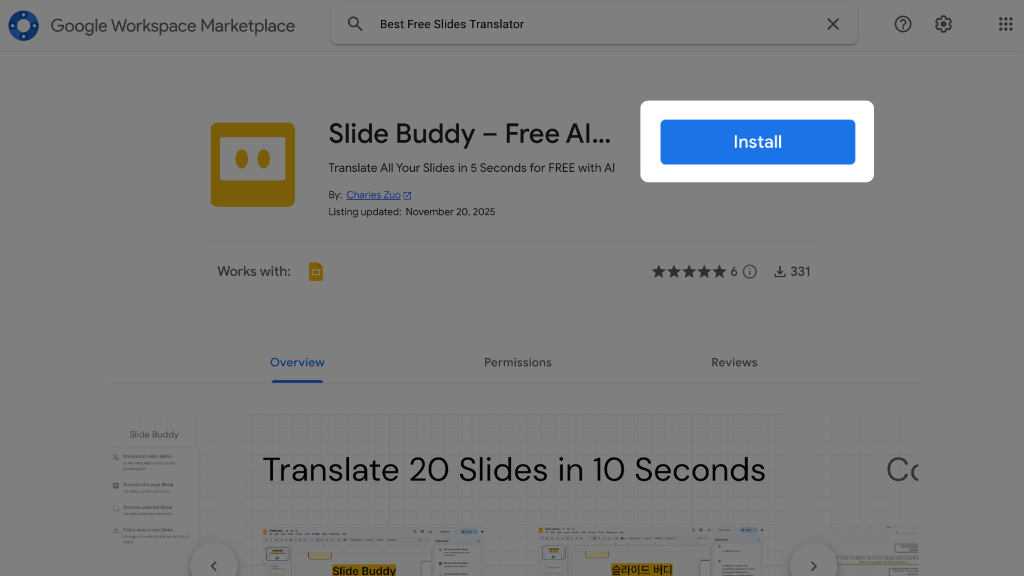
Install Slide Buddy
Install Slide Buddy from the Google Workspace Marketplace
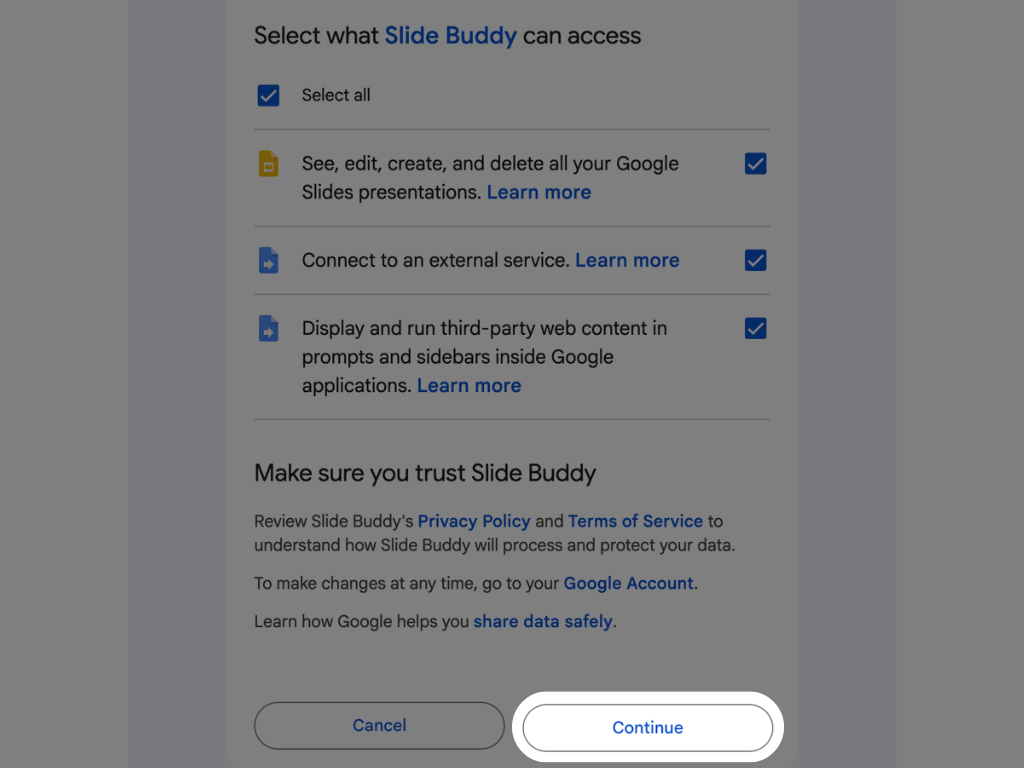
Grant Permissions
Agree to let Slide Buddy read and translate your slides
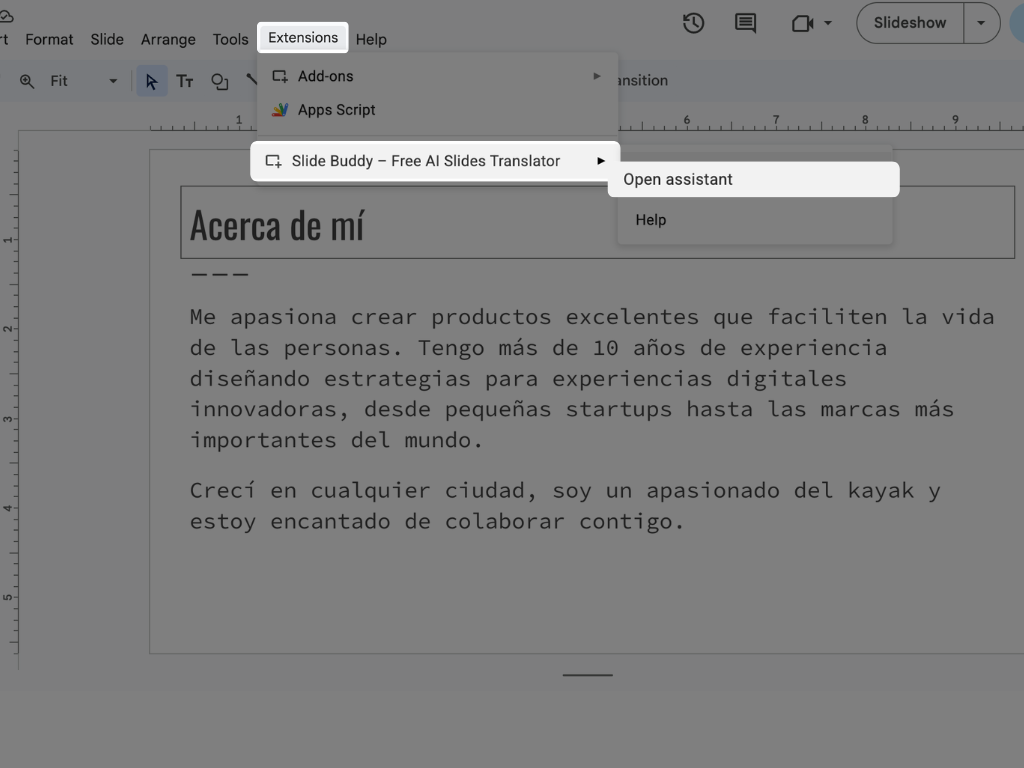
Open the Assistant
Go to Google Slides → "Extensions" → "Slide Buddy" → "Open Assistant"
Designed for the
Modern Workflow.
Slide Buddy integrates directly into your Google Workspace. No external dashboards, no copy-pasting. It lives where you work.
- ✓ Context-Aware Translation
- ✓ Smart Find & Replace
- ✓ 100% Free Forever
Smart Translate
Our AI understands context. It knows the difference between "pitch" (baseball) and "pitch" (sales).
Zero Friction
Works entirely within the Google Slides sidebar. No switching tabs, no downloading files.
Enterprise Secure
Your data never leaves the Google Cloud infrastructure ecosystem. Secure by design.
Translate Entire Decks in 5 Seconds
Watch how Slide Buddy processes 27 slides with 56 text elements instantly. No formatting loss, no manual copy-pasting.
What Our Customers Say
Real feedback from people using Slide Buddy every day

Latest Guides
Tips and tricks to master Google Slides translation
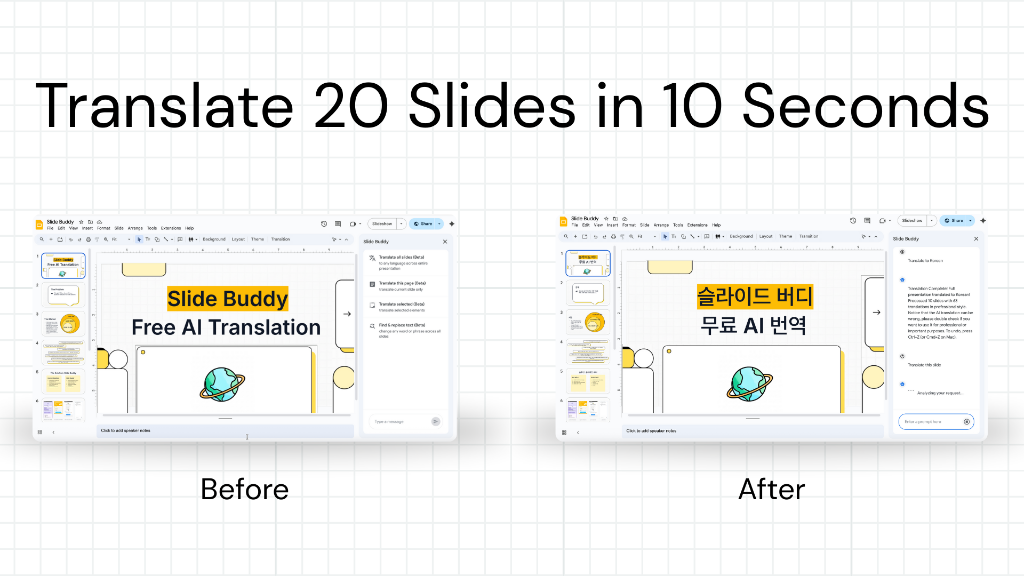
How to Translate Google Slides in 1 Minute
Learn the fastest way to translate entire decks without losing formatting.
Read Guide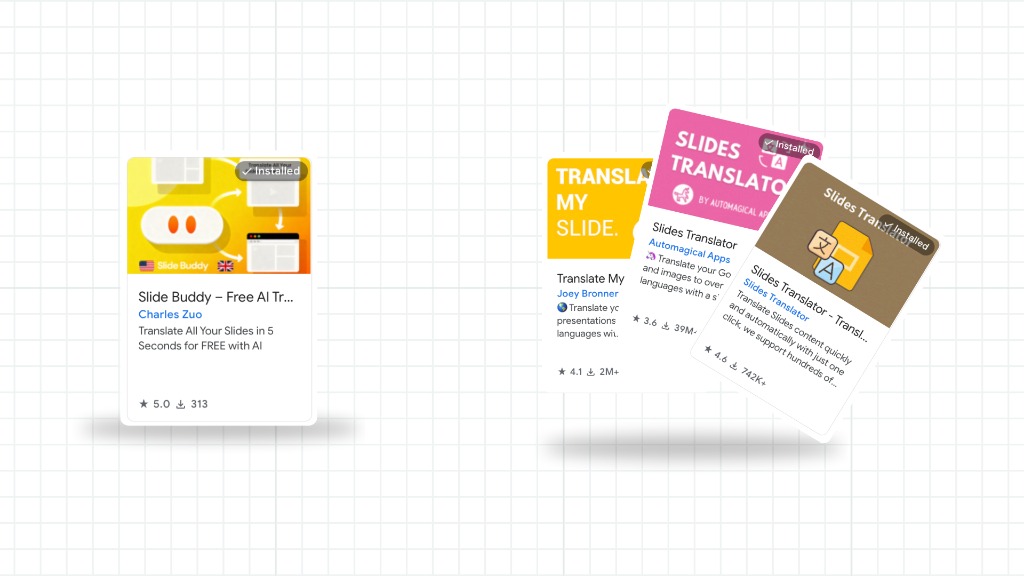
Best Free Google Slides Translation Extensions
We tested the top free add-ons to help you choose the right one.
Read Guide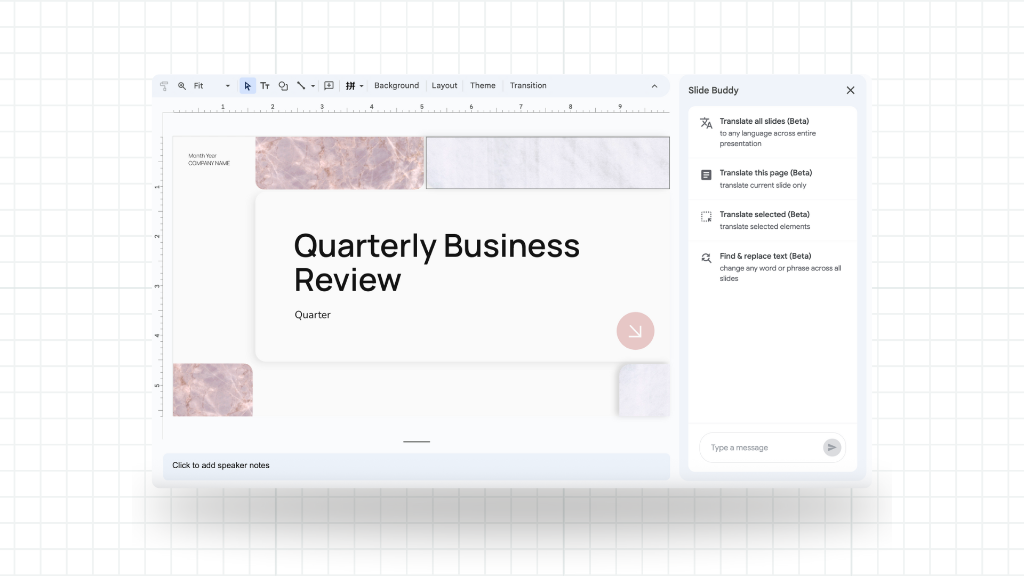
How to Translate Speaker Notes
Don't forget your notes! Here's how to translate them automatically.
Read GuideSupport & Help
Get answers to common questions or reach out for personalized assistance
Frequently Asked Questions
How much does it cost?
Slide Buddy is 100% FREE. No subscription fees, no hidden costs. Just install and start translating!
Can I undo translations?
Yes! All changes work with Google Slides™ native undo. Just press Ctrl+Z (or Cmd+Z on Mac).
How do I translate just one slide?
Navigate to the slide you want to translate, open Slide Buddy, and say "translate this slide to [language]" or "translate current page to [language]".
What languages are supported?
30+ languages including English, Spanish, French, German, Chinese, Japanese, Korean, Portuguese, Russian, Arabic, Italian, and many more!
Does Slide Buddy remember my language preference?
Yes! Slide Buddy remembers your language preference for 1 hour. After you translate once, you can simply say "translate this slide". To change languages, just specify a new one.
Get in Touch
Email Support
Response within 24 hours
Please include your Google account email and any error messages or screenshots.
Report a Bug
Help us improve Slide Buddy
Supported Languages
30+ languages including:
Ready to transform your presentations?
Join thousands of users who save hours with Slide Buddy
Get Started - It's Free