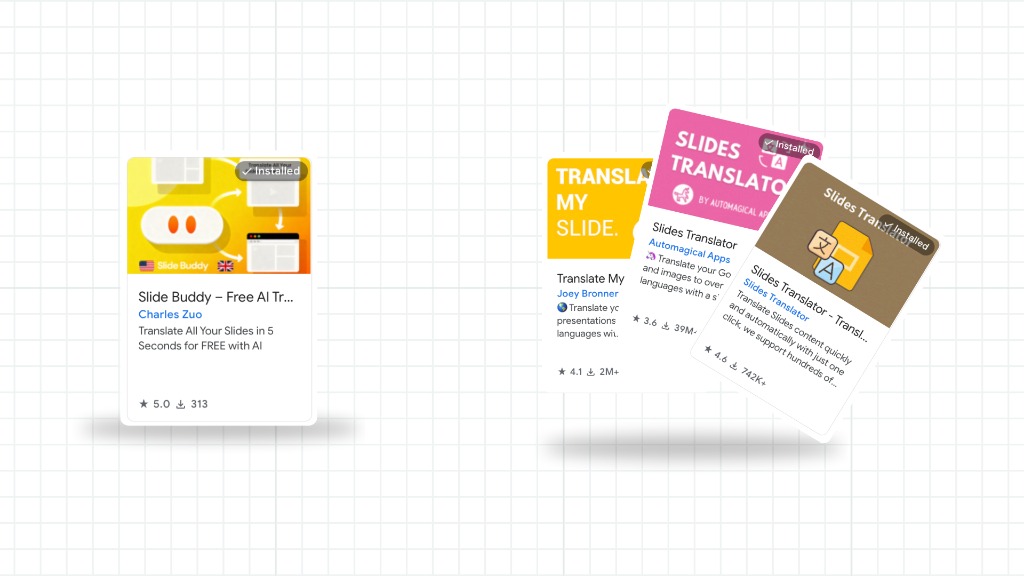
How to Translate Business Presentations for International Teams (Free)
Global teams run on presentations. Strategy decks, quarterly reviews, supply chain updates, onboarding materials — all of it gets shared across offices in Paris, Milan, Tokyo, and São Paulo. And when your slide deck is in English but your audience speaks French, Spanish, German, or Japanese, someone has to translate it.
That "someone" usually spends hours copy-pasting into Google Translate, then manually reformatting every broken text box. Or worse, pays for a translation service and waits three days. There's a better way.
The cost of manual presentation translation
- ⚠ A 30-slide business deck takes 2–4 hours to translate manually (copy-paste + reformat)
- ⚠ Professional translation services: $0.10–$0.25 per word, 3–5 business days
- ⚠ Google Translate's built-in slide feature breaks formatting on complex decks
- ⚠ Paid tools like DeepL or Smartcat charge monthly subscriptions ($6–$30/month per user)
How Slide Buddy Works for Business Teams
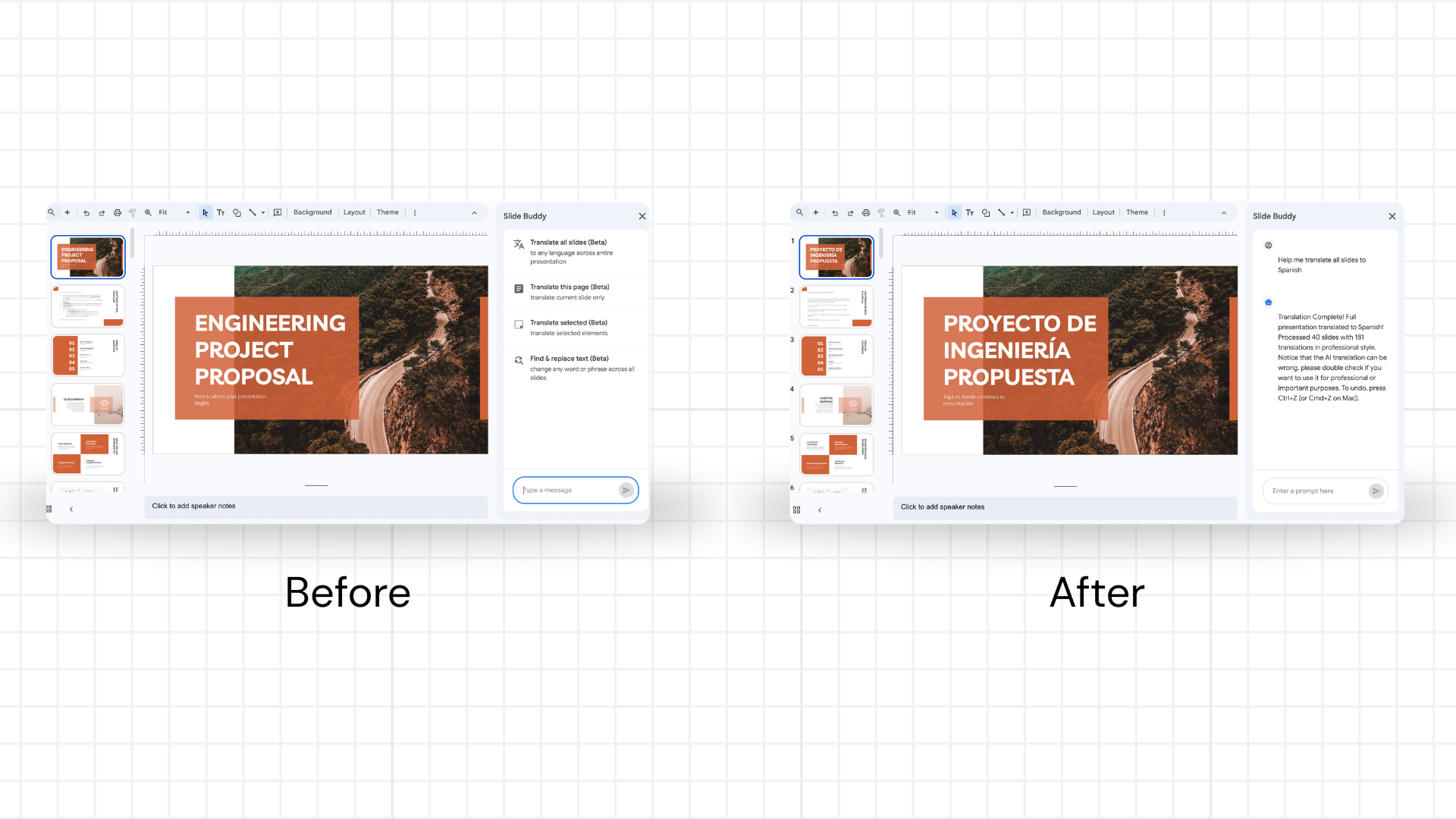
Slide Buddy is a free AI-powered Google Slides add-on that translates entire business presentations in seconds. It uses Gemini AI to translate text in place — meaning your fonts, colors, text boxes, charts, and slide structure stay exactly as designed.
| Method | Time (30 slides) | Cost | Formatting |
|---|---|---|---|
| Manual (copy-paste) | 2–4 hours | Free (your time) | ❌ Broken |
| Translation agency | 3–5 days | $50–$200+ | ⚠️ Varies |
| Paid tools (DeepL, etc.) | 15–30 min | $6–$30/month | ⚠️ Often breaks |
| Slide Buddy (AI) | Under 1 minute | Free | ✅ Preserved |
Step-by-Step: Translate a Business Deck
Install Slide Buddy from the Marketplace
Go to the Google Workspace Marketplace and install Slide Buddy. Free, no subscription. If you're on a managed Google Workspace account, you may need to ask your admin to approve the add-on. See the installation guide for details.
Duplicate your master deck
In Google Drive, right-click the presentation → Make a copy. Rename it with the target language (e.g., "Q1 Strategy — FR"). Always keep the English master untouched — you'll update it as strategy evolves and re-translate as needed. This workflow scales naturally across quarterly cadences.
Open Slide Buddy in the copied deck
In the copied presentation, click Extensions → Slide Buddy → Start. The panel opens on the right side of the screen.
Translate all slides at once
Select All Slides. Choose your target language — French, Spanish, German, Japanese, Chinese (Simplified), Portuguese, and 100+ others are available. For a full breakdown of language support, see our guide on translating Google Slides to another language. Hit Translate.
Review key slides, then share
Spot-check slides with branded language, executive messaging, or financial figures — especially slides that use region-specific terminology. The translation will be accurate; a 2-minute review catches any edge cases before you share with leadership or local teams. Formatting requires no fixes.
Top Languages for Multinational Teams
Based on enterprise usage data, these are the most common business translation languages and what teams use them for:
| Language | Common Business Use | Notes |
|---|---|---|
| French | European HQs, supply chain operations, Paris/Brussels offices | Excellent for strategy and operations decks |
| Spanish | LATAM expansion, Spanish offices, sales teams | Specify Spain vs. Latin America for regional accuracy |
| German | DACH region, manufacturing, engineering teams | Text expands ~30% — budget extra space on key slides |
| Japanese | APAC partnerships, Japan market entry, Tokyo offices | AI handles complex characters within text boxes accurately |
| Chinese (Simplified) | Mainland China teams, manufacturing partners, investor decks | Text compresses significantly — may allow more content per slide |
| Portuguese (Brazil) | Brazilian market, LATAM operations, São Paulo offices | High accuracy for financial and business terminology |
Real Use Cases from Slide Buddy Users
Multinational ops teams: quarterly reviews across European offices
Supply chain and operations teams at companies with offices in Paris, Milan, and Madrid translate their English strategy decks into French, Italian, and Spanish before all-hands meetings. What used to be a 3-hour job (manual reformat) now takes 3 minutes. Formatting — including branded color schemes and data tables — stays perfect.
APAC expansion: localize pitch decks for Japanese and Chinese partners
Business development teams entering Japan and China need localized materials fast. Slide Buddy translates investor presentations and partnership decks from English to Japanese or Chinese in under a minute, with no formatting breaks on complex slides with charts and data visualizations.
Sales teams: localize decks for regional pipelines
Sales reps in LATAM, France, and Germany need localized versions of the standard sales deck. With Slide Buddy, the central team keeps one English master, and each regional rep can create a localized copy in seconds — no translation coordinator needed, no 5-day turnaround, no cost per deck.
Frequently Asked Questions
Q: Does Slide Buddy preserve brand colors and fonts?
A: Yes. Slide Buddy translates text content only — your brand colors, fonts, images, charts, and layout are completely untouched. This is the core difference from manual translation or document export tools.
Q: Is this suitable for confidential business presentations?
A: Slide Buddy runs as a Google Workspace add-on — it accesses your presentation through the standard Google Slides API, the same way any Workspace tool does. Review Slide Buddy's privacy policy and your organization's data handling requirements before use with confidential content.
Q: Can my entire team use Slide Buddy?
A: Yes. Each team member installs it individually from the Google Workspace Marketplace. There's no per-seat cost — it's free for everyone. For managed Workspace environments, your admin may need to allowlist the add-on. See the installation guide.
Q: How accurate is the AI for business terminology?
A: Slide Buddy uses Gemini AI, which handles business and professional language accurately across major enterprise languages. For highly technical or industry-specific content, do a quick review of key slides — particularly slides with financial figures, legal language, or highly specific industry terms.
Q: How does this compare to other AI translation tools?
A: See our comparison guide: Best Free Google Slides Translation Extensions and Slide Buddy vs Translate My Slide.
Localize your next business presentation in under a minute.
Free forever. Formatting preserved. No subscription.
Install Slide Buddy for FreeHave more questions about translating Google Slides? Check our comprehensive Google Slides Translation FAQ — 26 expert answers covering setup, formatting, languages, and troubleshooting.